이 페이지 사용법
요약을 먼저 보고, gems 사용, codes 테스트, loadout 변경 전에 중요한 섹션을 확인하세요.
이 페이지는 실전 가이드이며 Roblox 또는 Vitan Games의 공식 공지가 아닙니다.
Macros 한국어
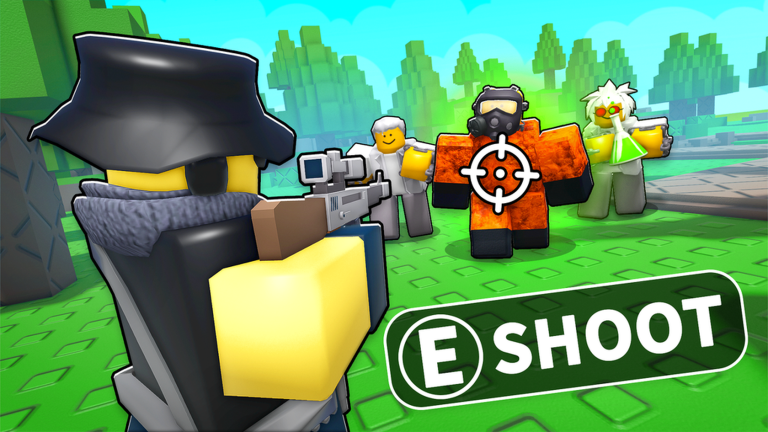
가이드: Noob Tower Defense macros help players automate repetitive farming tasks safely. This guide covers recommended software settings, position loops, and verification-aware safety notes to protect your Roblox account.
언어 버전
이 현지화 페이지는 플레이어가 직접 검색하는 영어 게임명과 Roblox 핵심 용어를 일부 유지합니다.
요약을 먼저 보고, gems 사용, codes 테스트, loadout 변경 전에 중요한 섹션을 확인하세요.
이 페이지는 실전 가이드이며 Roblox 또는 Vitan Games의 공식 공지가 아닙니다.
이 페이지는 기본 가이드의 Roblox 데이터, 업데이트 상태, 출처 기록을 사용합니다. Codes, Tier List, Units, Value List 같은 용어는 플레이어가 직접 검색하는 경우가 많아 유지합니다.
보상을 준다는 사이트에 Roblox 비밀번호, recovery code, 브라우저 cookie를 입력하지 마세요.
큰 업데이트, Roblox 설명 변경, 커뮤니티 보고 충돌이 있을 때 다시 확인하세요.
Noob Tower Defense macros are used by players to automate gem farming and XP grinding while away from the keyboard (AFK). Unlike scripts that inject code, macros simply record and playback your mouse and keyboard actions, making them a lower-risk choice for many players.
This guide focuses on safe macro practices. We do not promote cheating or exploiting, but rather help players optimize their time using standard automation tools that interact with the game window naturally.
To keep your account safe, follow a verification-aware setup routine. Avoid patterns that look too artificial or triggers that interact with protected game memory.
The safest macro is one that mimics a human player. Use slight delays and avoid clicking the exact same pixel for hours at a time.
FAQ
아닙니다. Roblox와 Vitan Games 공식 출처를 연결하는 독립 가이드입니다.
최신 상태를 보고 계정 단계와 비교한 뒤 게임 안에서 가장 안전한 선택을 테스트하세요.
Most Roblox games allow macros because they do not inject code. However, always check the latest Vitan Games community rules to be sure.
TinyTask is the community favorite for its simplicity and reliability during long farming sessions.
While rare compared to scripts, any automation carries a small risk. Use human-like delays to minimize detection.